

M-05 · Information screens
Information screen for the lobby
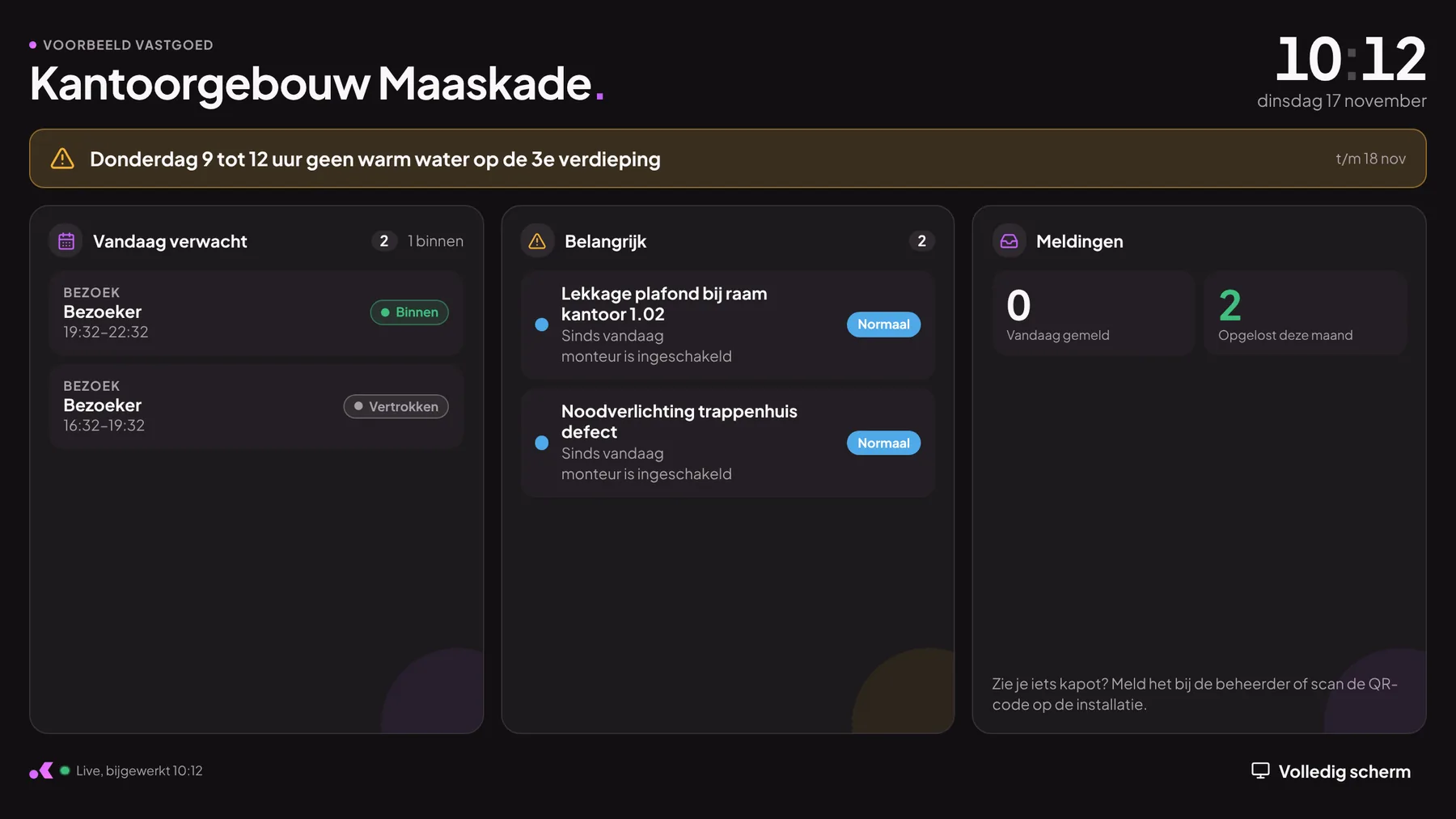
A TV in the lobby or the facility office that shows what is going on.
What you can do
- Open reports, this week's planning and a QR code to report
- Light or dark theme, night mode
- Pair with a code, revoke with one click
How it works
- Create a screen for the building.
- Open the link on the TV or enter the pairing code.
- The screen refreshes itself.
Always included: the basics
Floor plan, findings, assets, QR reporting, planning, log and reports come with every building.
Frequently asked questions
What is on the screen?
Open reports, who is expected today, the planning and, if you like, a QR code for visitors to sign in. A temporary notice, such as an outage, goes at the top.
Which TV do I need?
Any TV or monitor with a browser. Open the link or enter the pairing code; after that the screen refreshes itself.
Do visitors see confidential data?
No. You choose what appears on a lobby screen, and you revoke a screen with one click.
Works well with
Long-term maintenance plan (MJOP)
The multi-year maintenance plan that keeps itself up to date, straight from your assets.
More about this module M-03ModuleCondition assessment NEN 2767
Inspect with your phone in hand. Condition scores to NEN 2767 that the maintenance plan uses right away.
More about this module M-04ModuleBuilding file
All documents and drawings of a building, always the valid version.
More about this moduleSee Klantpunt with your own building
In half an hour we show you how it works, using one of your buildings as the example. Afterwards you get a quote that fits.
- A reply within one working day
- Fixed prices, never per user
- We import your existing lists for you
Email us: [email protected]
Rather read first?
The ten-page brochure in your inbox.