

M-04 · Building file
Digital building file with valid versions
All documents and drawings of a building, always the valid version.
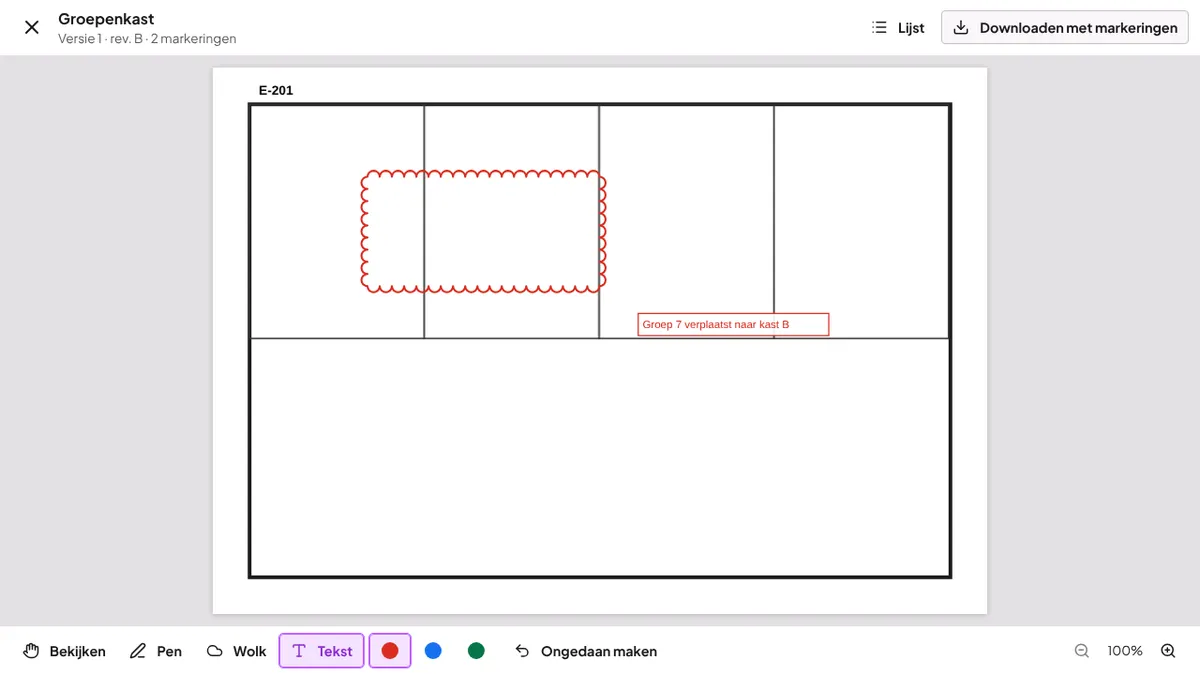
What you can do
- Fixed sections: permits, safety, energy, installations
- Versions, Valid until and a reminder before something expires
- Visibility: internal, shared with the client or confidential
- Share through a link you can revoke
How it works
- Drag documents in; the type sets the validity.
- Link them to assets and rooms.
- Klantpunt warns you about expiring documents.
Always included: the basics
Floor plan, findings, assets, QR reporting, planning, log and reports come with every building.
Frequently asked questions
What belongs in a building file?
Permits, drawings, safety documents, energy labels, manuals and installation certificates. Klantpunt has fixed sections for them.
How do I know which version is valid?
Every document has versions and a valid-until date. You always see the valid version and get a reminder before anything expires.
Can my client see the file?
Per document you choose: internal, visible to the client or confidential. External parties get a link that you can revoke.
Works well with
Inspections and maintenance
Never miss an inspection again. Klantpunt knows what is due, when, and who does it.
More about this module M-02ModuleLong-term maintenance plan (MJOP)
The multi-year maintenance plan that keeps itself up to date, straight from your assets.
More about this module M-03ModuleCondition assessment NEN 2767
Inspect with your phone in hand. Condition scores to NEN 2767 that the maintenance plan uses right away.
More about this moduleSee Klantpunt with your own building
In half an hour we show you how it works, using one of your buildings as the example. Afterwards you get a quote that fits.
- A reply within one working day
- Fixed prices, never per user
- We import your existing lists for you
Email us: [email protected]
Rather read first?
The ten-page brochure in your inbox.